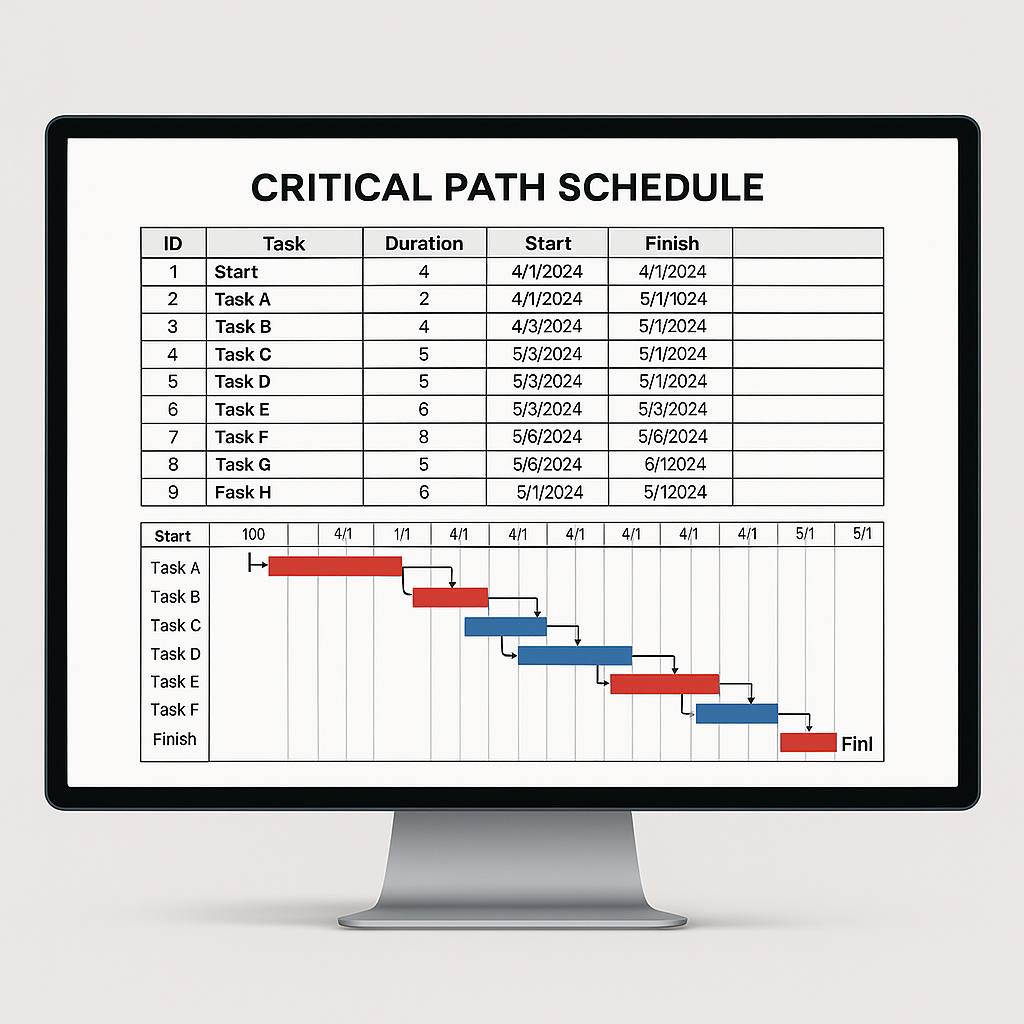
Here's a summary of some helpful P6 tips, tricks, and shortcuts for using Primavera P6 software.
Quick Activity Search: Use Ctrl-F to quickly find activities in your schedule.
Export to Excel: Easily export your schedule to Excel. Select all activities with Ctrl-A, then right-click and choose "Export to Excel", or use Ctrl-C to copy and Ctrl-V to paste into Excel.
Import from Excel: You can import schedules from Excel into Primavera P6. It's efficient to use a template in Excel first for this purpose.
Export and Import Layouts: Layouts in Primavera P6 can be exported and shared with team members. Export layouts as *.plf files and import them as needed.
Export Filters: You can export filters in Primavera P6 for use among your team.
Use Milestones for Key Dates: Structure your project schedules with a separate section for "Key Milestones" to highlight important deliveries and dates.
Gantt Chart Formatting: Utilize Primavera P6's features to format the Gantt chart for better interpretation. Customize the bars and colors for easier reading.
Compare Schedules: Export schedules in .xer or .xml format and use tools like ScheduleReader for side-by-side comparisons.
Quick Logic Ties (Finish-to-Start Relationships): Easily link project tasks in succession by highlighting them and right-clicking to select "Link Activities".
Viewing Project Variance: Ensure a baseline is set, then use the View tab to select "Columns" and choose variance options for detailed insights.
Critical Path Method Settings: Choose between "Total Float Less Than Or Equal to" and "Longest Path" options to determine the critical path.
Detailed Scheduling with Steps: Use Primavera P6's steps feature to add detail to your schedule without increasing the number of activities.
Primavera P6's Reporting Options: Access a variety of standard reports in Primavera P6 or create your own custom reports.
Import Older Version XER Files: Use tools like ScheduleCleaner to import older version XER files into newer versions of Primavera P6.
Primavera P6 Keyboard Shortcuts
File Menu: ALT + F
Edit Menu: ALT + E
View Menu: ALT + V
Tools Menu: ALT + T
Help Menu: ALT + H
New Project: CTRL + N
Open Project: CTRL + O
Print: CTRL + P
Exit: ALT + F4
Refresh: F5
Cut Activity: CTRL + X
Paste Activity: CTRL + V
Delete Activity: Del
Find: CTRL + F
Replace: CTRL + R
Schedule: F9